
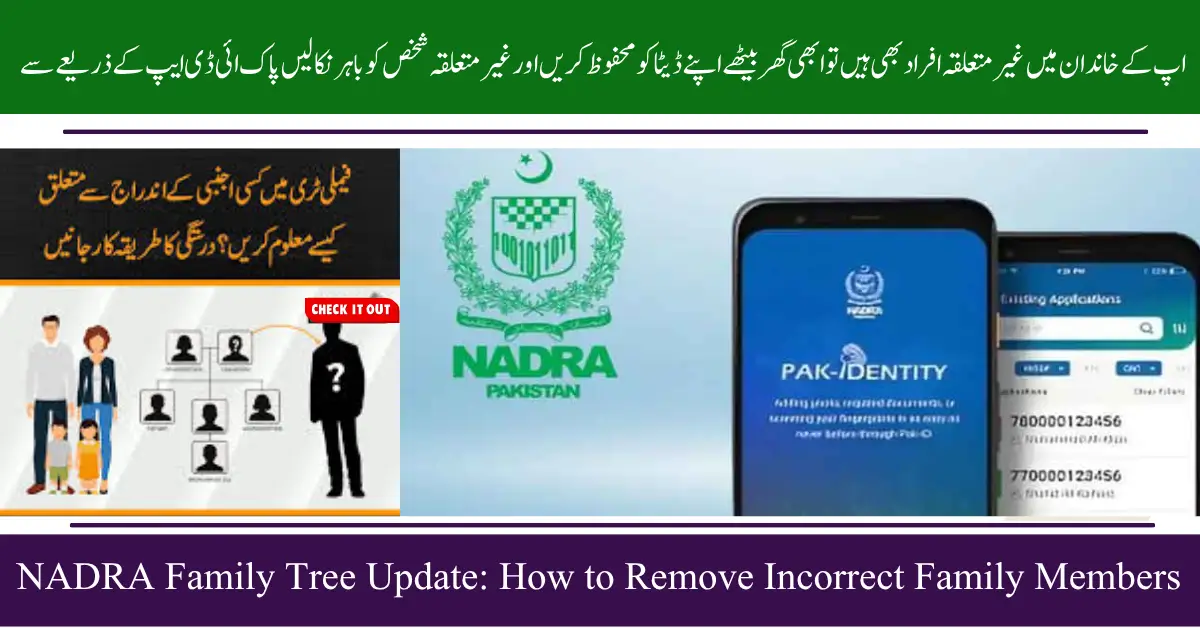
NADRA Family Tree Update
Maintaining accurate family records is essential in Pakistan, and the National Database and Registration Authority plays a key role in this process. Your Family Registration Certificate officially lists all members of your family. However, errors, fraud, or unauthorized interference can sometimes add unrelated individuals to your family tree. This can cause legal, personal, and financial problems.
Fortunately, NADRA has introduced an online system that allows citizens to check their family records and remove incorrect entries quickly. This guide explains how to detect and remove unrelated individuals from your NADRA family tree.
Punjab Farmer Guidance App and Livestock Program: Digital Tools for Modern Farming
What Is Interference in NADRA Records?
Interference occurs when someone not related to you is listed in your family record. This can happen due to:
- Deliberate Inclusion: Someone adds a stranger for personal or legal benefits.
- Fraud or Bribery: Fake documents or bribes may be used to register an unrelated person.
- Clerical or System Errors: Mistakes during data entry or software glitches can add incorrect entries.
Unrelated members in your family record can affect legal documents, passports, property rights, and even voting. Regular verification of your FRC is crucial to avoid such problems.
NADRA’s Online System to Detect Errors
Previously, checking your family record required visiting a NADRA office and paying a fee. Now, NADRA offers a free online system through the Pak ID mobile app, available for Android and iOS. This digital platform allows you to:
- View your family tree anytime, anywhere.
- Identify any unrelated individuals quickly.
- Report errors directly to NADRA for correction.
CM Punjab Solar Scheme 2025 Results, Eligibility, and Installation Timeline
How to Check Your NADRA Family Record Online
Follow these simple steps to view your family tree:
- Download the Pak ID App: Available on Google Play Store or Apple App Store.
- Login Using Your CNIC: Securely access your account using your Computerized National Identity Card number.
- View Family Details: Navigate to the Family Details or FRC section to see all registered family members.
This process is safe, convenient, and eliminates the need to visit a NADRA office.
How to Remove Unrelated Individuals from Your Family Tree
If you notice a stranger in your family record, there are two main ways to remove them:
Report via Pak ID App
- Select the incorrect individual in your family record.
- Submit a complaint using the app.
- NADRA will verify the issue and remove the unrelated member.
Visit a NADRA Registration Center
- Submit a formal complaint in person.
- Provide proof of your family’s identity (CNICs, birth certificates, etc.).
- NADRA officials will investigate and correct the record.
Punjab Community Health Inspector Recruitment 2025 Maryam Nawaz Health Services
Why Verifying Your NADRA Family Records Matters
Regular verification of your FRC ensures:
- National Security: Prevents misuse of your family identity.
- Identity Protection: Safeguards personal and family information.
- Avoid Legal Problems: Incorrect records can create issues in passports, property, or other official documents.
Tips for Keeping Your Family Tree Accurate
- Check Your FRC Regularly: Monitor your record at least once a year.
- Report Errors Immediately: Prompt reporting prevents complications.
- Keep Documents Ready: Maintain CNICs, birth certificates, and other official papers.
- Educate Family Members: Make sure everyone knows how to verify the family record.
Summary Table: NADRA Family Tree Update
| Feature | Details |
| System | Pak ID App (Android & iOS) |
| Check FRC | Free, online, and secure |
| Remove Unrelated Members | Report via app or visit NADRA office |
| Required Documents | CNIC, birth certificates, proof of family identity |
| Benefits | Accuracy, identity protection, legal safety, national security |
8171 Ehsaas Program 2025: Fix Payment Issues Fast with This Guide
Frequently Asked Questions
How can I see my NADRA family tree?
Download the Pak ID app, log in with your CNIC, and view your family members in the FRC section.
Can I remove a stranger from my family tree online?
Yes, you can use the report feature in the Pak ID app, and NADRA will verify and remove the incorrect entry.
Do I need to visit a NADRA office to remove unrelated members?
It’s optional. You can either report via the app or visit a NADRA registration center with proof of family identity.
Why is it important to verify my family record?
To protect your identity, avoid legal issues, and ensure national security.
How often should I check my family tree?
It’s recommended to check your FRC at least once a year.
Conclusion
Removing unrelated individuals from your NADRA family tree is now easier than ever with the Pak ID app and NADRA’s online system. Regularly verifying your family record ensures your personal information is secure, your legal documents remain valid, and your family’s identity is protected. Take action today to check your FRC, report errors, and maintain an accurate family record.
BISP 8171 Payments 2025: Digital Transformation Improves Transparency