
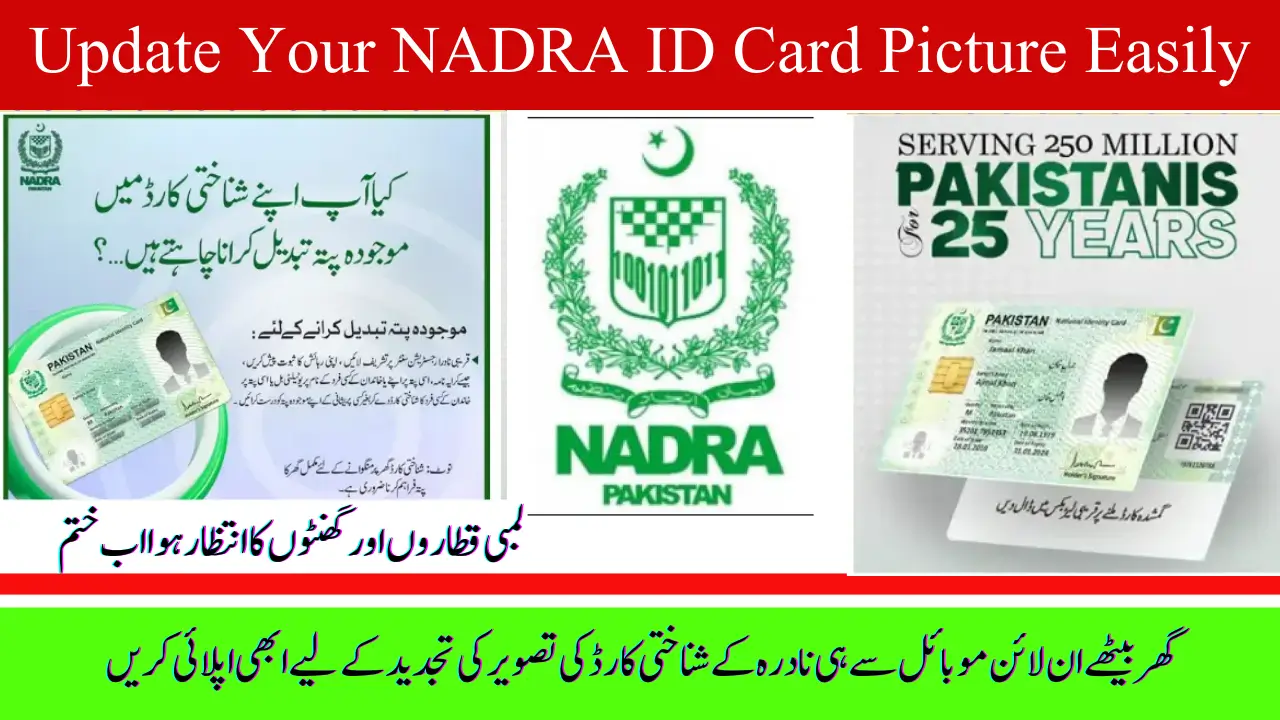
Update NADRA ID Card Picture
Keeping your NADRA ID card photo updated is important for clear identification and a professional look. Thanks to new digital options, you no longer need to visit a NADRA center just to update your picture. With NADRA’s official Pak Identity website and mobile app, you can now upload your own photo online, making the whole process simple, quick, and convenient.
NADRA now allows citizens to update their ID card picture easily through a new online method. This service simplifies the process, saving time and reducing the need to visit offices in person.
Sahiwal Electric Bus Routes: Full List of Stops, Timings, and Fares
Who Can Update Their NADRA ID Card Photo?
If you have a valid CNIC or Smart CNIC, you are eligible to update your ID card photo. This service is not only for those renewing their cards but also for anyone who wants to change or improve their existing picture. Overseas Pakistanis can also use the online portal to update their photo from abroad. Whether you are updating your name, address, or simply want a fresher, clearer photo, NADRA has made the process accessible for everyone through their official digital platforms.
Why Should You Change Your NADRA Photo?
There are many reasons why you might want to update your NADRA ID card photo:
- Your current photo is outdated and doesn’t match your current appearance.
- The photo taken at the NADRA center is unclear or unflattering.
- You’ve changed your hairstyle, beard, or glasses.
- Your old photo does not meet NADRA’s updated photo requirements.
You want a professional, high-quality picture that reflects your true identity.
By updating your photo, you ensure that your CNIC looks neat and accurate, which helps in identity verification in official matters.
How to Update Your NADRA ID Card Photo Online
The easiest and most convenient way to update your NADRA ID photo is through the Pak Identity website or mobile app. Here’s how:
- Create an account on the Pak Identity website or download the app.
- Log in and select the “Update CNIC Photo” option.
- Upload a high-quality photo that follows NADRA’s official guidelines (more on this below).
- Fill out the application form with your details.
- Pay the processing fee online using a debit or credit card.
- Submit your application and keep track of its status through the website or app.
Once approved, NADRA will print your updated CNIC and deliver it to your address or a NADRA center of your choice.
Why is Family Registration Certificate (FRC) Necessary? Know the Important Reasons.
How to Update Your NADRA Photo In-Person
If you prefer or need to update your photo in person, visit the nearest NADRA Registration Center. Here’s what you need to do:
- Bring your original CNIC or Smart CNIC and any required documents.
- Request a photo update and fill out the application form.
- NADRA staff will capture a new photo following the official guidelines.
- Complete biometric verification (fingerprints and signature).
- Pay the fee at the center.
- Receive a token slip and collect your updated CNIC after processing.
You can choose between normal processing (2–4 weeks) or urgent processing (7–10 days), depending on how quickly you need your updated card.
NADRA Photo Guidelines: Tips for a Perfect Picture
To avoid rejection, your photo must meet these NADRA requirements:
- Use a plain white or light blue background.
- Face the camera directly with a neutral expression; keep your mouth closed and eyes open.
- Avoid hats, caps, or sunglasses. Regular glasses are allowed only if the eyes are clearly visible.
- The photo size should be around 35x45mm with a resolution of about 600 dpi.
- Wear normal, non-uniform clothes; no camouflage or uniforms.
- Leave a little space above your head and shoulders in the frame.
- Use good lighting and ensure your face is clear and visible.
You can take this photo yourself using a good mobile phone camera, as long as it meets these guidelines.
How to Check BISP Balance or Eligibility Online in 2025 For New Beneficiaries in Big Welfare Program
NADRA Photo Update Fee Structure
The fees vary depending on the processing speed you choose:
- Normal processing costs less and takes about 2–4 weeks to deliver your updated CNIC.
- Urgent processing costs more but gets your card ready in 7–10 days.
You can pay the fee securely online through the Pak Identity app or website, or directly at a NADRA center if applying in person. This fee includes biometric verification, photo capture, and CNIC printing.
Tracking Your Application and Receiving Your CNIC
After submitting your photo update request, you can easily track its progress online or through the app. Once your CNIC is ready, it will be either delivered to your home address or you can pick it up from the selected NADRA center.
If you face any delays or issues, NADRA’s customer service is available to help you resolve them quickly.
Important Reminders and Best Practices
- Do not upload edited or filtered photos. NADRA only accepts original, unaltered pictures.
- Always apply through official NADRA platforms to avoid scams or fraud.
- Follow the photo guidelines carefully to prevent application rejection or legal issues.
- Keep a backup of your application details and payment receipts.
Frequently Asked Questions
Can I use my mobile phone to take a photo?
Yes, as long as it is clear, high-quality, and follows NADRA’s guidelines.
How long does it take to receive the updated CNIC?
Normal processing takes 2–4 weeks, urgent processing takes 7–10 days.
Can I upload an edited photo?
No, NADRA rejects photos that are edited, filtered, or altered.
Will I need to visit a NADRA center if I apply online?
Some applicants may still need to complete biometric verification in person.
What payment methods are available?
You can pay online with debit/credit cards or at the NADRA center.
Final Thoughts
Updating your NADRA ID card photo has never been easier. With the new online option through the Pak Identity website and app, you can upload a clear, official photo from the comfort of your home. Just make sure to follow NADRA’s photo guidelines carefully to avoid delays or rejection. Whether you’re renewing your CNIC or just want a fresh picture, this streamlined process saves time and effort, giving you a professional ID that accurately represents you.
Always use official channels for a smooth, secure, and hassle-free experience. Keeping your NADRA ID card photo up to date helps ensure your identity is verified clearly and confidently, wherever you go.
PM Laptop Loan Scheme 2025 Launched with Easy Installments. Apply Now